Dell Chromebook 11 review
Dell Chromebook 11 — 1.3 kg, performance 11.
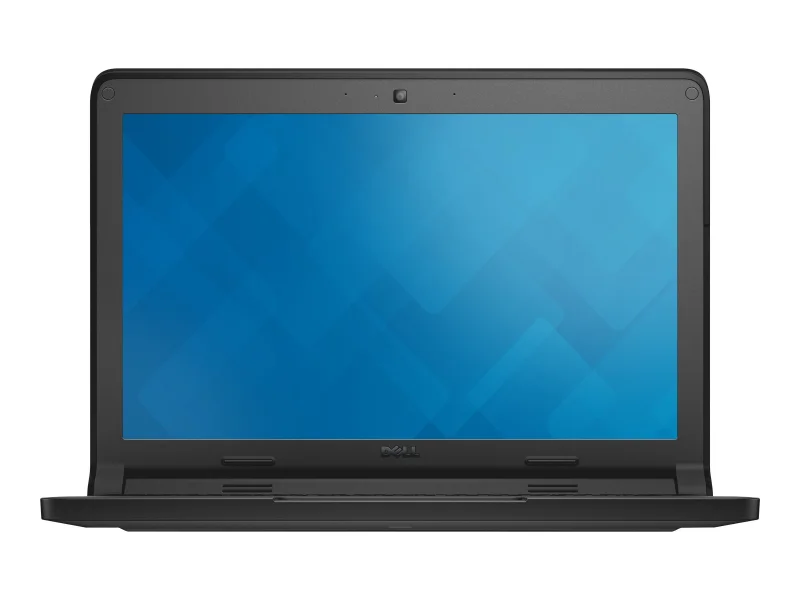
Technical specifications
| Type | Ultrabook |
| Screen | 11.6" · 1366x768 |
| Processor | Intel Celeron N2840 , Intel Celeron 2955U |
| Weight | 1.3 kg |
| Battery | 51 Wh |
Performance scores
A Chromebook Era Capsule: Top Portability, Bottom Everything Else
The Dell Chromebook 11 is a Bay Trail-era education machine built around a Celeron N2840. No current listing price is recorded, and its sheet is a study in extremes: a top-band portability score of 91 alongside office (0.9), value (0.7), and reliability (1) readings that sit at the very bottom of this batch.
Where it holds up
Portability is the one honest strength: 91 in the top band, befitting an 11-inch plastic chassis built to survive a school bag. The graphics reading of 16.2 sits above the ultrabook median of 3.84 — though both numbers describe very modest hardware, and the more accurate claim is that this reading towers over a very small median rather than over any real workload.
Where it falls short
Nearly everything measured sits low band: performance at 10.62, office at 0.9, gaming at 28, modeling at 15, engineering CAD at 15, photo design at 21, and value at 0.7. Reliability reads 1 against a class median of 51 — effectively a bottom-of-scale reading that says the fleet data does not trust this hardware to last. The graphics weakness itself is a coverage gap rather than a measured zero, but on a machine this limited the distinction hardly changes the advice.
Price and depreciation
No listing price is recorded for this entry, and no depreciation curve is modeled — there is nothing to project from.
Alternatives to consider
Within this batch, the Chromebook 3100 and 3120 carry the same education DNA with newer Celerons and far better mobility readings (99 and 98). Any of the budget Inspirons nearby will do more with a full OS if the Chromebook constraint can be dropped.
Bottom line
Fairly priced for the class. As a collectible or a single-purpose kiosk it is honest hardware; as a computer to buy today, every number in this sheet argues otherwise.
🧭 Your context
Stage: Refining requirements
You're refining — compare finalists head-to-head.
🎯 For your profile
You've viewed: You've recently viewed 12 models — compare this model with them in the analogs matrix.
⭐ What stands out
-
graphics performance is higher than typical ultrabook class (+200%) (office tier).
above class average -
reliability is lower than typical ultrabook class (+98%) (low tier).
budget segment of category -
CPU performance is lower than typical ultrabook class (+91.6%) (basic tier).
budget segment of category
⚙️ Configuration analysis
Top configuration is built for office apps, web browsing, and basic daily tasks.
🤔 How to choose
Universal advice for any use case.
- Reliability vs price: reliability (median 51) ↔ price (median 373.2).
- Weight vs CPU: mobility (median 64) ↔ overall performance (median 41.7).
- Upgradeability vs battery: upgradability (median 50) ↔ battery life (median 4.4).
Chromebook 11: verdict
➡️ Next step
You're refining — compare finalists head-to-head.